

Hello there!
Starting the technical confessions nice and simple with an easy python tool.
Now as a disclaimer, I am still a beginner so any constructive feedback or idea is really appreciated of course. I am learning python by my own, with just the help of google. I don’t want to explain the code or what I did, but I will make same notes here and there of what I know its important for it to work or what I found when troubleshooting.
What is it?
This is a python tool that I created for a need at work and that is to convert many PPTs into PDF. As simple as that.
Prerequisites
You need to install Python Anaconda and it’s libraries first to be able to use this tool.
You can find the installation guide here: https://docs.anaconda.com/free/anaconda/install/index.html
The python file has to be placed inside the folder where you have the files to be converted into PDF.
Running the tool
You can open now the Jupyter Anaconda notebook and find your tool in your folder.


You can run the tool and see the PDF file in the folder.

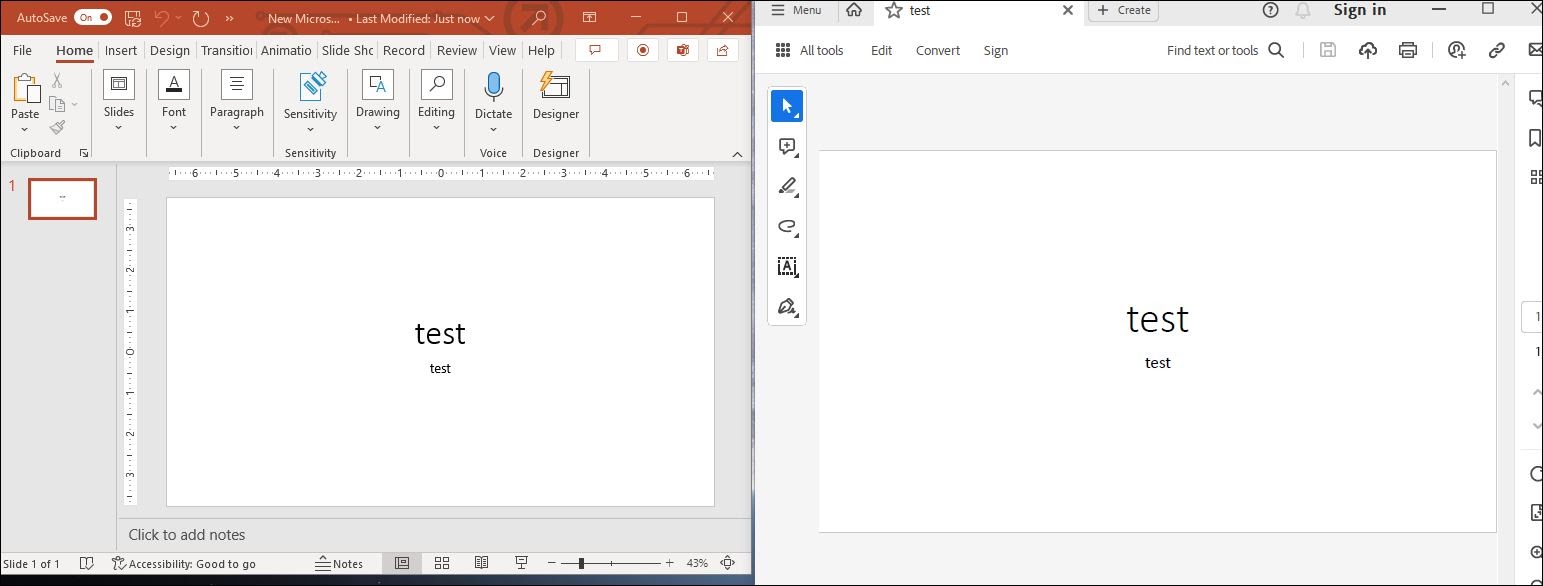
Told you it’s easy!

Leave a Reply